
Ai & Tool
You Already Have the Vision. Now You Need a Canvas That Keeps Up.

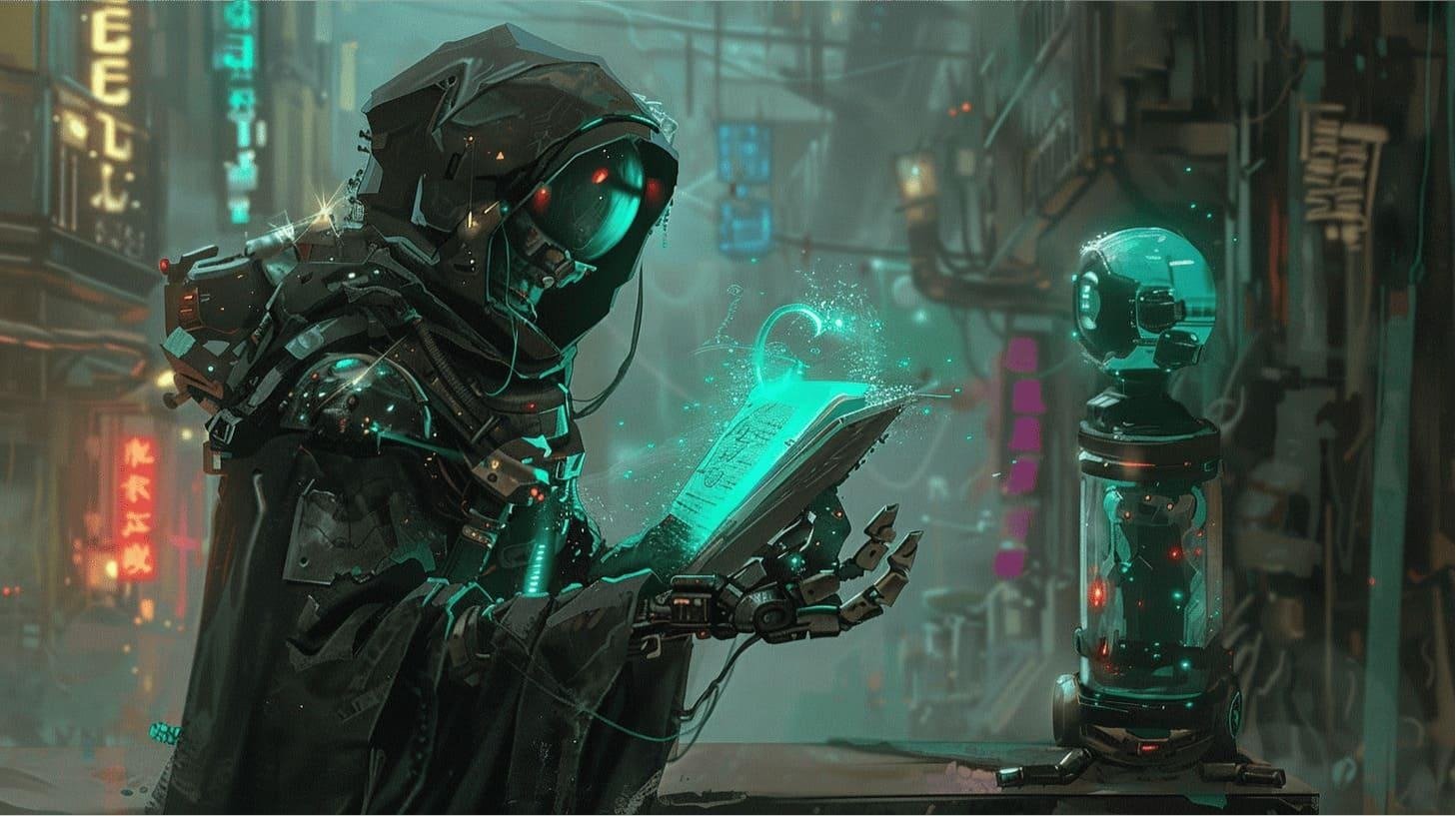
Somewhere between the idea and the finished image, most people give up.
Not because the idea was not good enough. Not because they lacked talent. But because the tools between imagination and output demanded too much — too much technical knowledge, too much time, too much trial and error, and too many compromises along the way. The creative process, which should feel like momentum, started to feel like friction.
It does not have to be that way anymore.
The conversation around AI image generation has matured significantly over the past few years. What started as a novelty — type a few words, get a strange-looking robot face — has evolved into something genuinely powerful. Today, the best platforms are not just generating images. They are generating the right images, fast, with precision, and with the kind of customization that used to be exclusive to professionals with expensive software and years of training.
This piece is about what that shift looks like in practice, and what to actually look for when choosing where to create.
The Era of “Good Enough” Is Over
Early AI image tools were impressive for about five minutes. Then users started noticing the same recurring problems: weird hands, faces that drift slightly off into uncanny valley territory, backgrounds that do not match the foreground, and a general aesthetic sameness that made every output look like it came from the same dream.
The novelty wore off. Expectations went up.
Today, creators — whether they are freelancers, small business owners, marketers, educators, or hobbyists building personal projects — are not impressed by the fact that AI can generate an image. They want to know whether it can generate their image. The one they had in mind. The one that fits the brief, matches the brand, and actually looks like it was made with intention.
That requires more than a text box and a generate button. It requires a platform built around the full creative workflow — from initial generation through refinement, correction, enhancement, and final output.
From Words to Visuals: What Great Text-to-Image AI Actually Does
Text-to-image AI sits at the center of modern creative production, and for good reason. The ability to describe something in plain language and receive a high-quality visual interpretation of it collapses what used to be a multi-hour, multi-person process into minutes.
But the quality of that translation varies enormously depending on the platform. A strong text-to-image system does not just pattern-match your words to a library of visual elements. It interprets mood, composition, lighting, subject relationships, and stylistic direction — and synthesizes all of that into a coherent image.
The difference between a mediocre text-to-image output and an excellent one is not the idea. It is the model’s capacity to understand nuance. “A woman reading by a window in soft afternoon light” should not produce the same compositional result as “a woman reading by a window at dusk with long shadows and warm tungsten light.” Both are technically the same scene. But they are entirely different images.
The best platforms understand that difference. They are built to respond to nuance, not just keywords.
Why Refinement Is the Feature Nobody Talks About (But Everyone Needs)
Here is something most AI art platform reviews gloss over: generation is only half the job.
Even with excellent text-to-image capabilities, there will be images that are 90% right. The composition is there, the mood is right, the subject looks great — but one element is off. A background detail that does not fit. A facial feature that needs adjusting. A texture that clashes with everything else in the frame.
In traditional editing, fixing that one element means going into a dedicated tool, creating masks, working with layers, and hoping you do not accidentally ruin what was already working. For someone without design software experience, that process is effectively a wall.
This is where AI-driven image refinement becomes not just a nice feature, but an essential one. The ability to isolate and regenerate specific parts of an image — without disturbing everything that was already correct — transforms the creative workflow from linear to iterative. You do not have to start over. You do not have to accept a compromise. You can adjust, refine, and improve precisely where the image needs it.
Inpainting: The Most Underrated Tool in AI Art
Closely related to refinement — and in many ways its most powerful expression — is the inpainting tool.
Inpainting allows users to select a specific region of a generated image and regenerate only that area, using a new prompt or modified instructions, while leaving the rest of the image completely intact. It sounds technical. In practice, it is remarkably intuitive.
Say you generated a landscape that is nearly perfect, but the sky looks wrong. You paint over the sky. You describe what you want instead. The model regenerates that region in context — matching the lighting, color palette, and overall atmosphere of the existing image. The result is seamless.
This single capability changes how creators interact with AI-generated images. Instead of searching endlessly for the perfect single-shot output, you build toward the result you want. You generate, you refine, you inpaint, you adjust. The image improves with each iteration until it matches the original vision.
That is not just a workflow improvement. It is a fundamentally different creative relationship with the tool.
Unlimited Image Creation: Why It Matters More Than You Think
Creative work is inherently iterative. Good ideas get better through exploration. Designers run through dozens of variations before landing on the right direction. Marketers test multiple visual concepts before knowing which one connects with their audience.
When a platform charges per generation or enforces hard limits, it changes how people create. Instead of exploring freely, they start self-censoring — second-guessing every generation, trying to “save” their credits, generating less than they need to do the work properly. The artificial constraint corrupts the creative process.
Unlimited image creation removes that constraint entirely. It sounds like a simple feature. Its impact on creative output is enormous. When exploration is free, ideas develop more fully. When you are not counting costs per click, you take the creative risks that lead to genuinely interesting results.
For anyone using AI visuals as a regular part of their work — not as an occasional novelty — this is not optional. It is a baseline requirement.
The Web-Based Advantage: Create From Anywhere, Install Nothing
There is a quiet tax that comes with most professional creative software: setup time, system requirements, update cycles, compatibility issues, and the hardware demands of running anything locally that is computationally intensive.
A web-based AI art tool eliminates all of that. Open a browser, log in, create. No installation. No GPU requirements on your end. No waiting for updates to finish before you can get to work. Whether you are on a laptop at a café, a desktop at your studio, or a machine that would never run local AI software, the experience is identical.
For teams collaborating across different machines and locations, this matters even more. Everyone accesses the same environment, the same capabilities, the same output quality. There is no “it works on my machine” problem in a fully web-based platform.
Style Customization, Upscaling, and the Details That Define Quality Output
Two capabilities that separate professional-grade platforms from consumer-level tools: style customization AI and image upscaling AI.
Style customization goes beyond selecting a filter from a dropdown. It means genuinely shaping the visual language of your output — directing the platform toward photorealism, painterly illustration, concept art, editorial photography, sketch aesthetics, or any number of other visual directions — and having the model respond with genuine coherence. Not a surface-level effect applied on top, but a fundamentally different approach to how the image is constructed.
Image upscaling, meanwhile, is what makes AI-generated visuals usable in professional contexts. Raw AI outputs are often generated at resolutions that work on screen but would not survive print, large-format display, or high-resolution digital use. A strong upscaling system — one that adds detail intelligently rather than just interpolating pixels — turns a good on-screen image into a file that is actually production-ready.
Together, these capabilities bridge the gap between creative experimentation and professional output.
Speed, Privacy, and the Workflow That Does Not Get in Your Way
Two final dimensions that are easy to overlook until they become frustrating: speed and privacy.
A fast AI art workflow is not just a comfort feature. When you are iterating through variations — generating, assessing, adjusting, regenerating — the time between your input and your output shapes the entire creative rhythm. Slow generation breaks that rhythm. It introduces gaps where momentum dies, where the creative energy of the moment dissipates while you wait.
Privacy-focused art generation matters for a different reason. Creative work — especially work in progress, work tied to unreleased products, or work of a personal nature — deserves to stay private. Not every platform handles user-generated content and uploaded assets with the same level of care. For anyone creating commercially sensitive or personally meaningful work, knowing where your data goes and how your images are stored is not a secondary concern.
Platforms like AI Art Forge are built with both of these in mind — designed to keep the creative process fast, fluid, and private from start to finish.
What the Best AI Art Platforms Have in Common
Strip away the marketing and what actually defines a great AI creative platform comes down to a short list:
It generates with genuine quality, not just technically acceptable output. It gives users real control over style, composition, and aesthetic direction. It supports the full iterative workflow — not just the first generation, but everything that comes after. It runs where creators actually work, without creating new technical dependencies. And it respects the creator’s time, their data, and their creative process.
That combination is rarer than it should be. When you find it, the difference in what you can actually produce — and how quickly — is immediately obvious.
Stop Settling for Images That Are Almost Right
The gap between a vision and a finished image used to require either significant technical skill or significant budget. AI has changed that equation in a fundamental way.
But not all AI image platforms are equal. The ones worth using are the ones that treat generation as a starting point, not an endpoint — the ones built around the reality of how creative people actually work: iteratively, experimentally, with specific visions that deserve specific tools to bring them to life.
The canvas is ready. The only question is whether you are working with a tool that can actually keep up with what you want to create.Start creating with unlimited, customizable AI image generation — no downloads, no limits, no compromises.

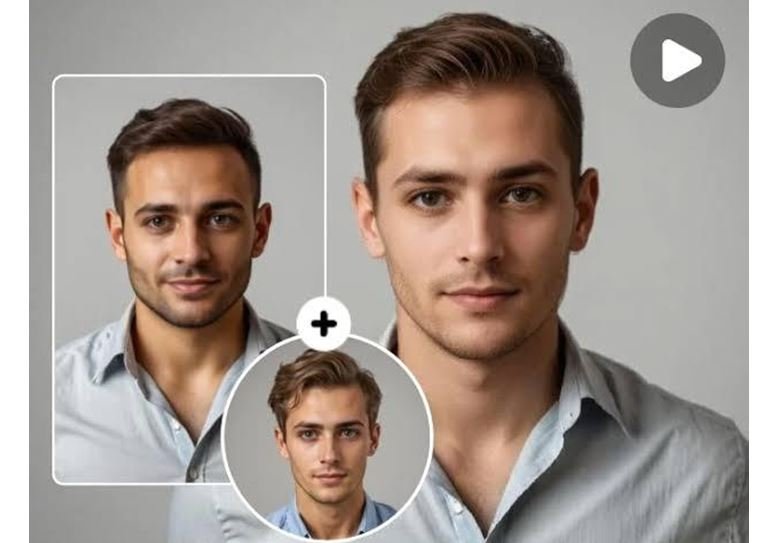
Artificial intelligence is rapidly changing the world of digital editing. Tasks that once required advanced editing skills and expensive software can now be completed within minutes. One of the biggest innovations in this space is multiple face swap, which allows users to replace faces in images and videos with impressive speed and accuracy.
Whether creating entertaining content, social media posts, or creative projects, tools like face swap video and face swap are making editing much easier for beginners and professionals alike.
What Is Face Swap Technology?
Face swap is an AI-powered process that replaces one person’s face with another in images or videos. Advanced systems analyze facial expressions, skin tone, movement, and positioning to create realistic-looking results.
The technology usually works by:
- Detecting facial landmarks
- Matching expressions and face angles
- Blending visual details naturally
- Maintaining realistic movement in videos
Modern AI tools continue improving accuracy and editing quality.
Why Multiple Face Swap Is Becoming So Popular
Traditional editing often requires changing faces one at a time, which can be time-consuming. Multiple face swap solves this issue by allowing several faces to be replaced simultaneously.
This feature is useful for:
Group Photos
Edit multiple people in one image quickly.
Entertainment Content
Create funny or creative visual edits.
Social Media Posts
Produce attention-grabbing content more easily.
Faster Workflow
Reduces editing time significantly.
Instead of manually editing every person, AI simplifies the process.
What Makes Face Swap Video Different?
Unlike image editing, face swap video technology works with moving content. The AI follows facial movements frame by frame to keep edits smooth and natural.
Benefits include:
Realistic Motion Tracking
Facial expressions stay consistent.
Faster Video Editing
Complex edits become easier.
Better Creative Possibilities
Users can experiment with different ideas.
Improved Entertainment Value
Funny videos often attract more attention online.
This has made AI-powered video editing increasingly popular.
Why More People Are Using Face Swap Tools
AI editing tools are growing quickly because they offer several advantages.
Beginner-Friendly Design
Most tools require no professional skills.
Quick Editing Process
Projects can be completed in much less time.
Creative Flexibility
Users can test unique editing concepts.
Better Content Engagement
Interesting visuals often perform better online.
These benefits make AI editing attractive to different kinds of users.
Common Ways People Use Face Swap Tools
Today, face swap technology is used for many purposes.
Entertainment Videos
Funny edits remain highly popular.
Creative Projects
Users experiment with unique visuals.
Social Media Content
Creators often use face-swapped content to attract viewers.
Group Editing
Multiple people can be edited at once.
The possibilities continue expanding as technology improves.
Tips for Better Editing Results
To achieve better outcomes, follow these suggestions:
Use High-Quality Photos
Clear images improve accuracy.
Choose Good Lighting
Balanced lighting helps AI work better.
Avoid Low-Quality Videos
Sharp visuals create smoother results.
Keep Faces Visible
Clear facial positioning improves editing quality.
These small adjustments can make edits look much more realistic.
Final Thoughts
Artificial intelligence is simplifying digital editing, making it quicker and more accessible for users.Whether using multiple face swap, face swap video, or simple face swap tools, users can now create engaging content without advanced editing knowledge.
As AI technology continues improving, face-swapping tools will likely become even more realistic and useful for entertainment, creativity, and online content creation.
Ai & Tool
How the ai video generator and ai avatar generator free tools are transforming digital content creation

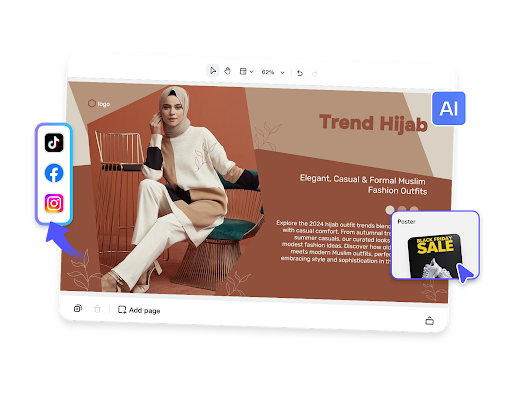
The rise of AI in content creation
In recent years, artificial intelligence has completely changed the way digital content is created and shared. From social media videos to professional marketing campaigns, AI tools are helping creators produce high-quality content faster than ever before. Among the most impactful innovations are the ai video generator and the ai avatar generator free, both of which are making advanced production techniques accessible to everyone.
These tools are not just for professionals anymore. Beginners, small business owners, and even students can now create engaging visuals without needing advanced technical skills. The combination of automation and creativity has made content creation more inclusive and efficient.
What is an ai video generator
An ai video generator is a tool that uses artificial intelligence to create videos automatically based on user input. This input can include text, images, or scripts, which the system then transforms into a complete video with visuals, voiceovers, and effects.
One of the biggest advantages of an ai video generator is its ability to save time. Instead of spending hours editing footage, users can generate professional-looking videos in minutes. This is especially useful for marketing, education, and social media content.
When combined with an ai avatar generator free, the results become even more dynamic. Users can create virtual presenters that speak and interact within the video, adding a human touch without needing a real actor.
Understanding ai avatar generator free tools
The ai avatar generator free is a tool that allows users to create digital avatars using artificial intelligence. These avatars can represent real people or fictional characters, and they can be customized in terms of appearance, voice, and behavior.
Many creators use an ai avatar generator free to add personality to their content. Instead of appearing on camera, they can use an avatar to deliver messages, explain concepts, or present information.
When paired with an ai video generator, the ai avatar generator free becomes a powerful storytelling tool. It allows users to create engaging videos with animated characters that communicate effectively.
How ai video generator works with avatars
The process of creating content using an ai video generator and an ai avatar generator free is simple and efficient. First, the user provides a script or idea for the video. The AI then generates visuals and selects appropriate styles.
Next, the ai avatar generator free creates a digital character that can deliver the script. This avatar can be animated to match speech and expressions, making the video more engaging.
Finally, the ai video generator combines all elements, including voice, visuals, and avatar, into a complete video. This integrated workflow makes content creation faster and more accessible.
Applications across industries
The use of ai video generator tools is growing across many industries. In marketing, businesses use them to create promotional videos quickly and efficiently. The addition of an ai avatar generator free helps brands maintain a consistent identity.
In education, teachers and trainers use these tools to create interactive lessons. The ai avatar generator free allows them to present information in a more engaging way, improving student understanding.
Content creators and influencers also benefit from ai video generator platforms, as they can produce high-quality videos without needing expensive equipment or editing software.
Benefits of using AI tools
One of the main benefits of an ai video generator is speed. Videos that once took hours or days to produce can now be created in minutes. This efficiency allows creators to focus more on ideas and creativity.
The ai avatar generator free adds another layer of value by making content more engaging. Viewers are more likely to connect with a visual character than plain text or static images.
Another advantage is cost savings. Using an ai video generator and an ai avatar generator free eliminates the need for actors, studios, and expensive production tools.
Challenges and limitations
Despite their advantages, ai video generator tools still have some limitations. The quality of the output depends on the input provided by the user. Poor scripts can lead to less effective videos.
The ai avatar generator free may also have limitations in terms of customization or realism, depending on the platform. Some avatars may not fully capture human expressions or emotions.
Additionally, there is a learning curve when using an ai video generator for the first time. Users need to understand how to structure their content for the best results.
The role of innovation
Innovation continues to improve the capabilities of the ai video generator and the ai avatar generator free. New features are being added regularly, including better voice synthesis and more realistic animations.
Advancements in machine learning are making the ai avatar generator free more lifelike, allowing for more natural communication. This enhances the overall quality of videos created with an ai video generator.
As technology evolves, these tools will become even more powerful and accessible, opening new opportunities for creators worldwide.
The future of AI-powered content
The future of the ai video generator looks promising. As more people adopt this technology, it will continue to shape how content is produced and consumed.
The ai avatar generator free will also play a key role in this evolution, providing more personalized and interactive experiences for viewers.
Together, the ai video generator and the ai avatar generator free will redefine digital storytelling, making it easier for anyone to create professional content.
Conclusion
The rise of the ai video generator and the ai avatar generator free marks a new era in content creation. These tools offer speed, efficiency, and creativity, making them valuable for individuals and businesses alike.
While there are still challenges to overcome, the benefits are clear. The ai video generator simplifies production, while the ai avatar generator free adds personality and engagement.
As technology continues to advance, these tools will become essential in the digital world, helping creators bring their ideas to life in innovative and exciting ways.
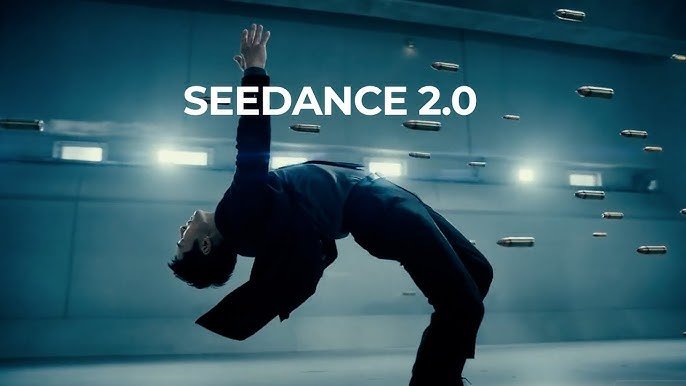
AI video generation has come a long way in a short time. A couple of years ago, generating a 3-second clip that didn’t look like a glitchy nightmare was considered impressive. Today, tools like Seedance AI are producing cinematic 1080p videos with consistent characters, native audio, and director-level control — and dozens of competitors are right behind them.
If you’ve been using Seedance or are just now exploring the space, you’ve probably noticed there are a lot of options. This guide cuts through the noise. We’ll cover the top Seedance alternatives in 2026 — what each one does well, where it falls short, and who it’s actually for.
But first, a quick look at what makes Seedance worth comparing against.
What Is Seedance, and Why Does It Matter?
Seedance is an AI video platform built on ByteDance’s Seed lab technology. It lets you turn text prompts or images into high-quality video clips, and it’s built a strong reputation for temporal stability — meaning your videos don’t flicker, ghost, or fall apart mid-clip.
The latest release, Seedance 2.0, takes things further with a multimodal approach: you can feed it up to 9 images, 3 video clips, and 3 audio files in a single generation. It produces clips between 4 and 15 seconds, maintains character consistency across shots (faces, clothing, even small on-screen text), and generates audio and video together — no post-production needed for sound. It’s fast, it’s flexible, and for many creators, it’s become a daily tool.
That said, no single tool is right for everyone. Here’s how the top alternatives stack up.
1. Runway Gen-4.5 — Best for Professional Workflows
What it is: Runway is one of the most established names in AI video. Gen-4.5, their current flagship model, is built for professional editors and production teams rather than casual creators.
What it does well:
- Exceptional character consistency across multiple separate generations using a single reference image
- Advanced camera controls: pan, tilt, zoom, dolly movements
- Multi-model access — the platform also gives you Google’s Veo and Seedance 2.0 under one roof
- Integrates with professional editing workflows
Where it falls short:
- The interface is dense and has a real learning curve — plan 4–6 hours before you feel comfortable
- Credits don’t roll over between billing cycles, which catches new users off guard
- Pricing starts at $15/month but climbs quickly to $35/month for Pro and $95/month for Unlimited
- The free plan only gives 125 credits per month
Best for: Advertising agencies, filmmakers, and VFX artists who need production-grade control and are willing to pay for it. If you just want to make a few social clips, this is overkill.
Pricing: From $15/month (Standard) to $95/month (Unlimited). Free trial with 125 credits.
2. Kling AI 3.0 — Best Value for Longer Clips
What it is: Kling is developed by Kuaishou and has become one of the most-used AI video tools globally. Version 3.0 introduced multi-shot sequences and improved character consistency across camera angles.
What it does well:
- Generates clips up to 2 minutes long — significantly longer than most competitors
- Excellent human motion and facial expressions
- Multi-character native audio with voice reference
- Plans start at just $6.99/month, making it the most affordable option on this list
- Strong mobile experience
Where it falls short:
- Audio quality can be muffled compared to tools like Seedance 2.0
- Interface skews toward Mandarin in some sections, though the English version is improving
- Some data privacy considerations for enterprise users (as with most Chinese-developed tools)
Best for: Content creators, YouTubers, and budget-conscious teams who need longer videos and fast iteration. If you’re making narrative content or YouTube videos, Kling often delivers 80–90% of what premium tools offer at 30–40% of the cost.
Pricing: From $6.99/month. API access starts at $9.80 for 100 units.
3. Google Veo 3.1 — Best for Native Audio and 4K Quality
What it is: Google’s Veo 3.1 is the highest-resolution AI video generator currently available to the public, capable of true 4K output. It’s accessible through Google AI Ultra or Vertex AI for developers.
What it does well:
- Best-in-class native audio generation — dialogue, ambient sound, and music sync in one pass
- Superior lip sync compared to most competitors
- True 4K resolution output (3840×2160), ideal for broadcast or cinema
- Outstanding physics simulation and realism
Where it falls short:
- Very expensive: Google AI Ultra costs $249.99/month, making it inaccessible for most individual creators
- Access is still limited compared to more open platforms
- The premium is hard to justify unless you’re doing high-volume professional work
Best for: Production companies, advertising agencies, and enterprise content teams with serious budgets. For casual creators or small teams, the price-to-value ratio is difficult to defend when tools like Kling or Seedance deliver excellent results at a fraction of the cost.
Pricing: Google AI Ultra at $249.99/month. Developer API via Vertex AI (pay-per-second).
4. Pika 2.5 — Best for Social Media and Creative Effects
What it is: Pika carved out its own lane by focusing on creative, effects-driven video rather than pure cinematic generation. It’s particularly popular with TikTok and Reels creators.
What it does well:
- Unique “Pikaffects” — one-click transformations (turn someone into LEGO, melt objects, inflate scenes, and more)
- Fast generation speeds — great for quick iteration
- Pikaframes feature for first-and-last-frame control
- Pikaformance model for lip-synced talking-head content
- Beginner-friendly interface
Where it falls short:
- The Standard plan ($8/month) doesn’t include watermark removal or commercial rights — you need Pro at $28/month for real use
- 10-second clip limit, lower resolution than alternatives
- Not ideal for cinematic or narrative content
- Free plan gives just 150 credits per month (around 10–15 videos)
Best for: Social media creators who want stylized, eye-catching effects quickly. Not the right choice if you need high-resolution output or commercial rights on a budget.
Pricing: From $8/month (Standard — note: no commercial rights). Pro at $28/month.
5. Luma Dream Machine (Ray 3) — Best for Environmental Realism
What it is: Luma’s Dream Machine, currently on its Ray 3 model, is known for beautiful environmental visuals and a clean, elegant user experience.
What it does well:
- Excellent at rendering natural environments, lighting, and atmospheric scenes
- Ultra-fast generation — Ray 3 produces 10-second clips in under 30 seconds
- Clean, consumer-friendly interface
- Strong HDR cinematic footage quality
Where it falls short:
- Less control over character consistency compared to Seedance or Runway
- Shorter clip lengths (up to 10 seconds)
- Less suited for complex multi-shot sequences or dialogue-driven content
Best for: Creators who want beautiful environmental or atmospheric clips fast — travel content, nature scenes, abstract visuals, and mood pieces.
Pricing: From $9.99/month.
So How Does Seedance 2.0 Compare?
Across all these alternatives, a few things stand out about Seedance 2.0. First, it’s the best at character consistency for text, logos, and branded content — faces and clothing stay locked across every shot, which matters enormously for e-commerce and brand content. Second, its multimodal input (combining text, images, video, and audio) gives it a flexibility edge that most competitors can’t match.
The platform also offers a more accessible free tier than Runway, and its quality-to-cost ratio sits ahead of most options on this list.
The practical takeaway from the 2026 AI video landscape: most serious creators aren’t picking one tool and sticking with it. The common approach is using Seedance for branded content and character-driven scenes, Kling for longer narrative sequences, and Pika for quick social effects. The tools work together better than they compete.
Quick Comparison Table
| Tool | Best For | Max Clip Length | Starting Price | Free Tier |
| Seedance 2.0 | Branded content, multi-shot, native audio | 15 seconds | Free credits available | Yes |
| Runway Gen-4.5 | Pro workflows, film/VFX | Not specified | $15/month | 125 credits |
| Kling 3.0 | Long-form, budget creators | 2 minutes | $6.99/month | Yes |
| Google Veo 3.1 | 4K output, native audio | 60 seconds | $249.99/month | Limited |
| Pika 2.5 | Social media, creative effects | 10 seconds | $8/month | 150 credits/mo |
| Luma Ray 3 | Environmental realism | 10 seconds | $9.99/month | Yes |
Final Thoughts
The AI video space in 2026 is genuinely competitive, and that’s good news for creators. A year ago, you had two or three viable options. Today, you have six strong ones, each with a clear strength.
If you’re just getting started, try Seedance AI for its generous free tier and strong overall quality. If you need longer clips on a tight budget, Kling 3.0 is hard to beat. And if you’re running a professional agency with a budget to match, Runway or Veo 3.1 offer production-grade control.
The best approach? Sign up for a couple, run the same prompt through each, and see what clicks with your workflow. Most of these platforms offer free credits to get you started — so there’s no reason not to experiment.

How to Transport Your Car Safely to Anywhere Else in the Nation

You Already Have the Vision. Now You Need a Canvas That Keeps Up.

The Art of Rest: A Luxury Retreat Experience Rooted in Play and Community
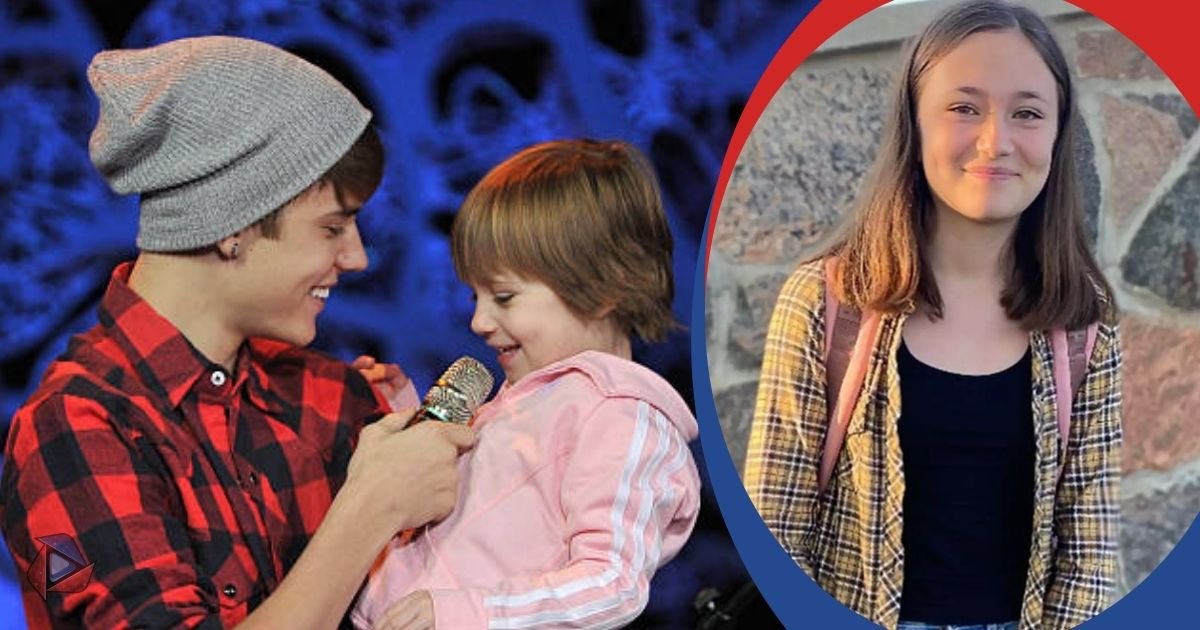
All About Jazmyn Bieber: The Justin Bieber’s Little Sister’s
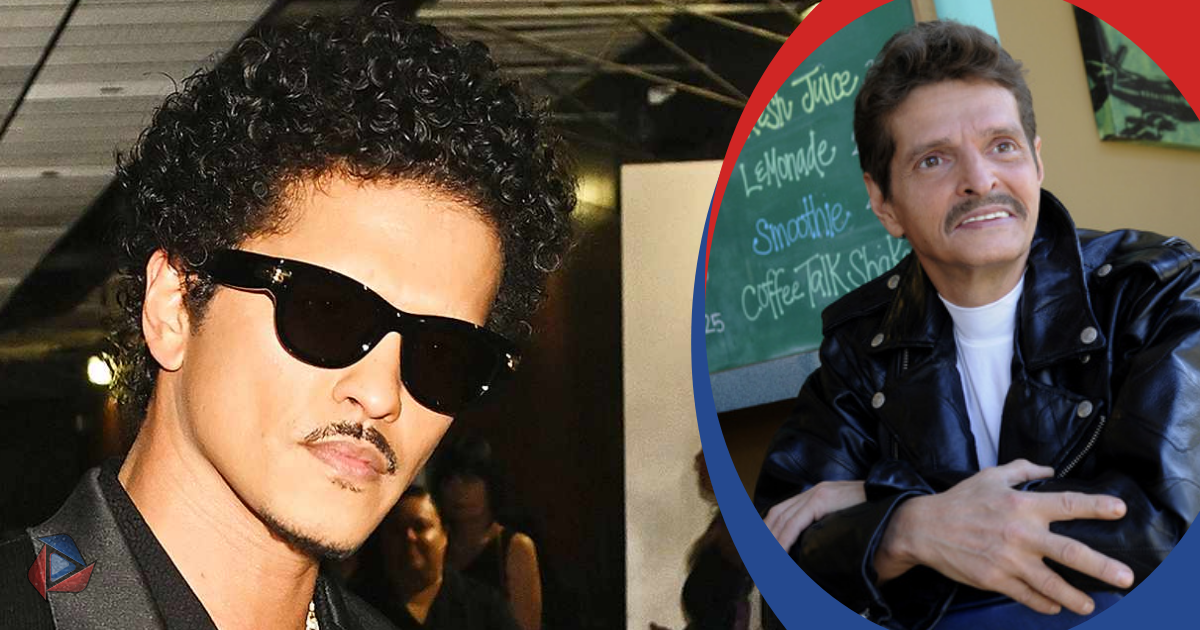
Who Is Peter Hernandez? The Real Story of Bruno Mars’ Father
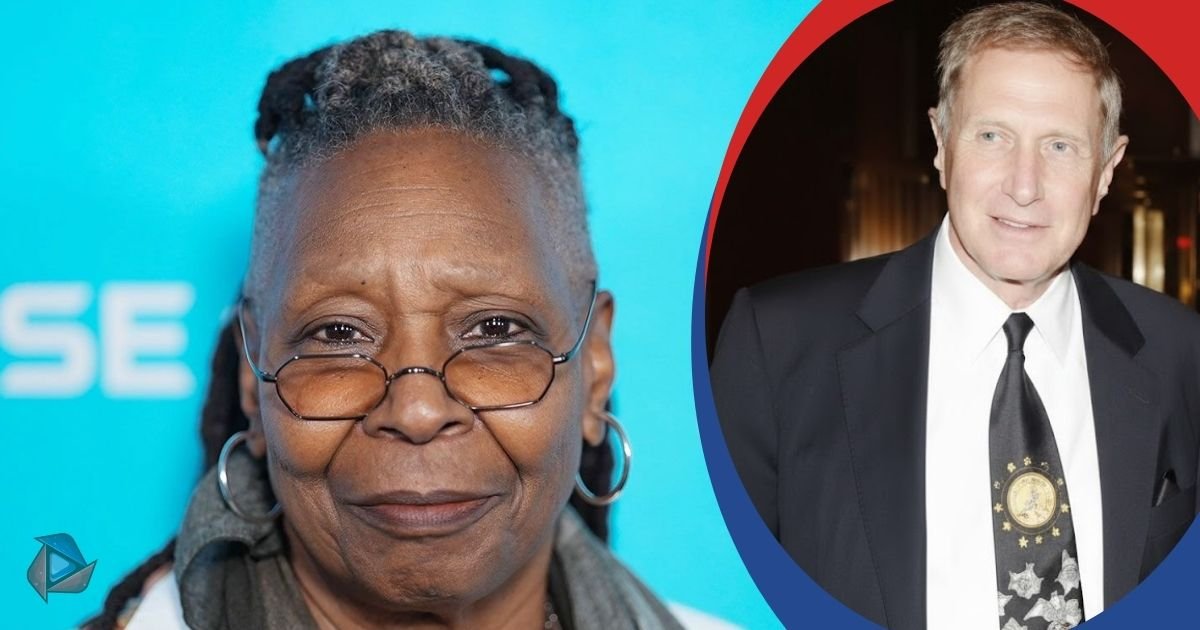
Who Is Alvin Martin? All About the Whoopi Goldberg’s First Husband
-
Celebrity3 months ago
All About Jazmyn Bieber: The Justin Bieber’s Little Sister’s
-
Celebrity4 months ago
Who Is Peter Hernandez? The Real Story of Bruno Mars’ Father
-
Biographies3 months ago
Who Is Alvin Martin? All About the Whoopi Goldberg’s First Husband
-
 Biographies3 months ago
Who is Todd McRae? Meet Tate McRae’s Father
-
 Biographies3 months ago
Who Is Shameera? All You Need To Know About Charli XCX’s Mother
-
 Biographies4 months ago
Meet Rosemary Turner: The Mother of Actor Callum Turner
-
 Biographies3 months ago
Who Is Daniel Mara? The Untold Story of Kate Mara’s Private Sibling
-
 Celebrity3 months ago
Who Is Monica Turner? All About the Life of Mike Tyson’s Former Wife